1. Run my morning sweep.
New inquiries, quiet quotes, upcoming gigs, payments, and anything waiting on you.
DJ and AV quick start
Use one real completed gig to confirm the workflow, numbers, evidence, and safety boundaries before daily use.
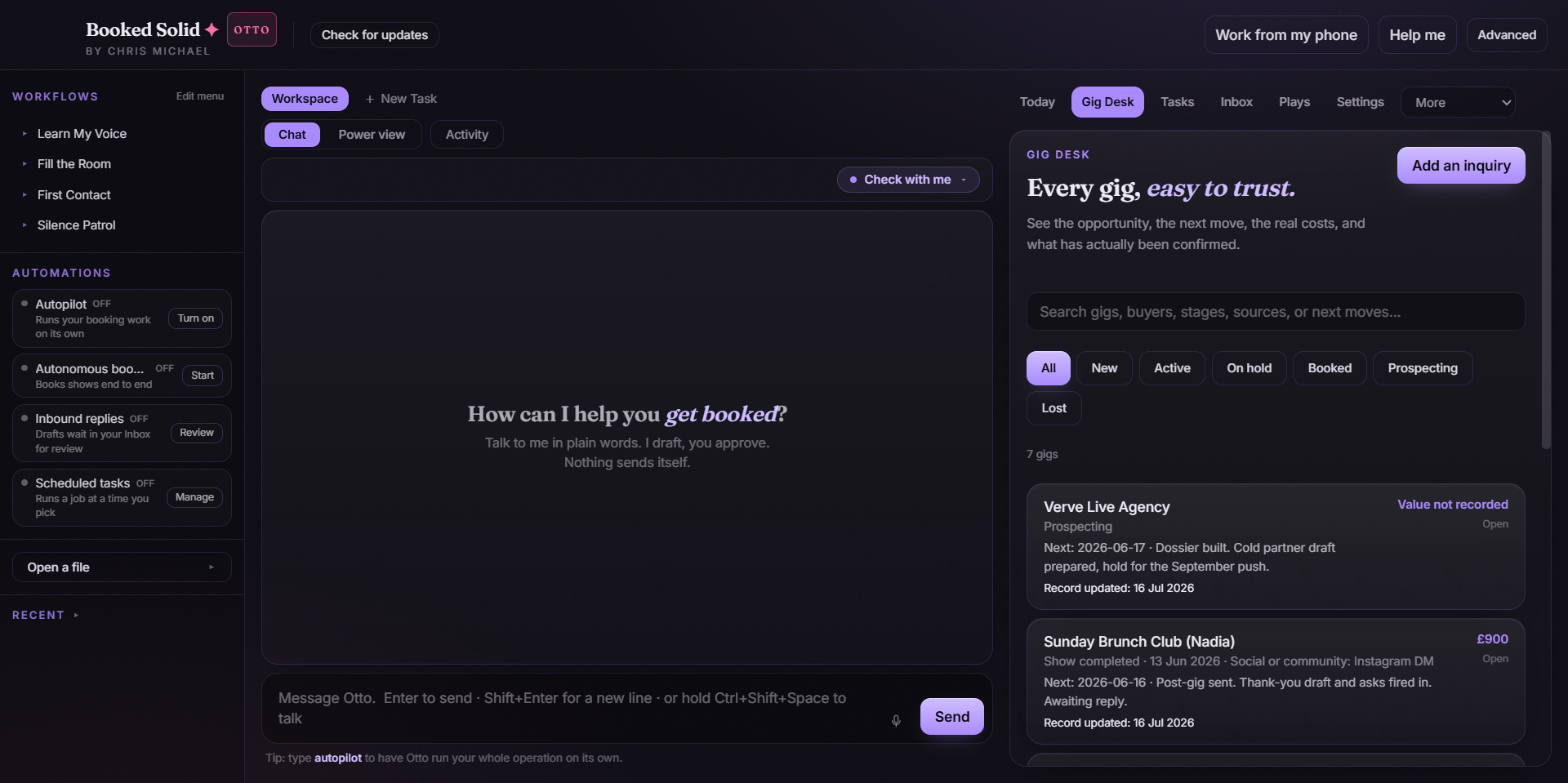
Keep the first pass small. Booked Solid should learn your real operating rules without asking for unnecessary access.
Terminal cheat sheet
Open Claude Terminal inside your BookingHQ and say one of these. Booked chooses the current subscribed Play and keeps money, dates, and client messages behind your approval.
New inquiries, quiet quotes, upcoming gigs, payments, and anything waiting on you.
Captures the buyer, event, room, date, budget, and the missing questions.
Uses your real offers, rates, logistics, and policies, then waits for approval.
Checks the rider, venue access, crew, gear, timing, balances, and confirmations.
First real rehearsal
Use real legacy data from a finished job, but do not contact the buyer or change a live booking.
Create one completed gig from your real history and confirm the date, buyer, stage, source, and fee.
Try adding the same gig again and confirm duplicate prevention catches it.
Change one detail, save it, then use undo and confirm the previous value returns.
Enter the agreed fee and real costs, then compare the estimated profit with your own calculation.
Attach or cite the source evidence you would need to trust the booking six months from now.
Every edition includes the desktop app with Operator setup and Autopilot tools for its lane; the current editions and pricing live on the DJ and AV page. Activate only the capability the work needs.
Runs installed workflows with you present, using your machine and connected accounts.
Schedules approved low-risk routines. Prices, dates, payments, and client commitments remain human decisions.
Current resource version