Fill the Room stops with "scouting market is required": where the Where to look box is, and which ways of running it work today
Last updated September 20, 2026
Fill the Room needs to know where to look before it can scout. This page shows where that box is, which ways of running the play accept it today, and why a run started from Claude in the terminal stops with scouting market is required.
Run it from the desktop app
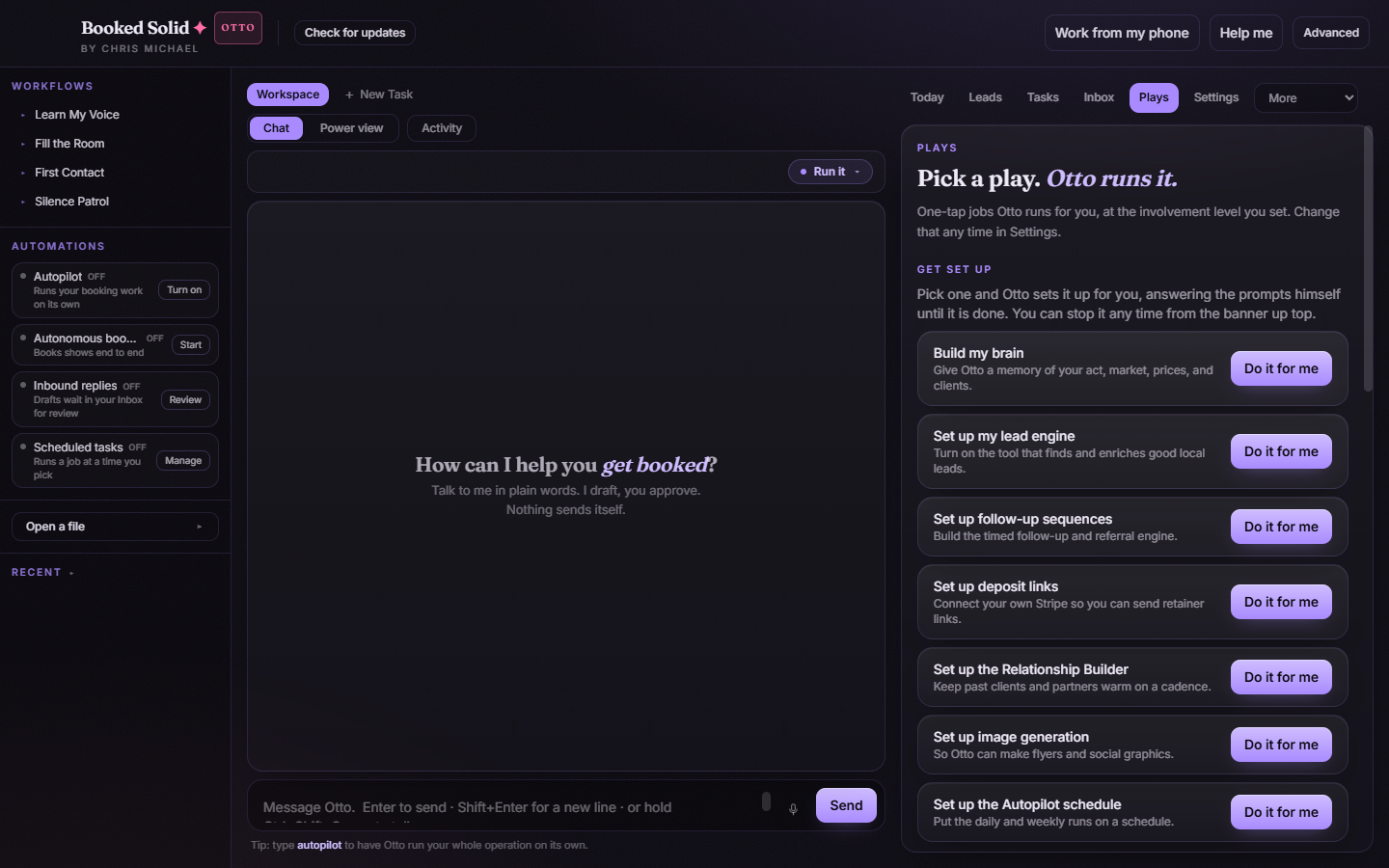
- Open the Plays tab and pick Every Play.
- Under Books gigs, click the Fill the Room card.
- A small window asks for two things. Where to look takes a county, city or region, with the hint A county, city or region - for example: Greater Manchester, or Bergen County, NJ. How many defaults to 10.
- Click Run it. The button stays greyed out until Where to look has something in it.
The app saves what you typed in its own settings file, not in your BookingHQ folder. Even so, the window opens empty the next time you click the card. That is expected: type the market again and click Run it.
Run it from the booked terminal program
If you use the booked program in your terminal (the one with the arrow-key list of Plays), it asks for the missing detail itself: "Fill the Room" needs one thing first: A county, city or region.... Type the market and it runs with it. This path talks to the desktop app, so the app must be open.
Why Claude in the terminal stops with "scouting market is required"
When you ask Claude inside your BookingHQ folder to run Fill the Room, the request goes to the Booked Solid server in a different shape. Right now the server's copy of this play only knows the How many control. So:
- Pass a market and the server answers The request contains an unknown control.
- Leave it out and the scouting worker stops before spending a single search credit with scouting market is required.
There is no setting, file or profile line on your side that fixes this. It is a defect on our side and it is logged. Until it is fixed, run Fill the Room from the app or from the booked program as above. The other scouts you can run from the terminal, Milestone Radar and Growth Scout, have their own Your market box and are not affected.
Good to know
- Fill the Room does not run on a schedule. It is a manual play, so Autopilot never queues it and a cron job cannot make the app run it. Kick it off yourself when you want fresh buyers.
- Plays run through Claude in the terminal are not marked done in the Plays tab. Runs started from the app or the booked program are. This is also logged.
- The market you type is used for that run only. Your home country from _config/profile.md is added as a qualifier to the search, but it is never used as a stand-in for an empty box.
Still stuck? Email bookedsolid@kivimedia.freshdesk.com and a person will help.