Set a floor rate that actually blocks low quotes
Last updated July 11, 2026
Your floor rate is the lowest fee you will accept for a gig. Set it once and Booked Solid OS will not let a quote below that number go out - not as a suggestion, but as a hard stop at the Approve button. This article shows you where to set it and how the enforcement works.
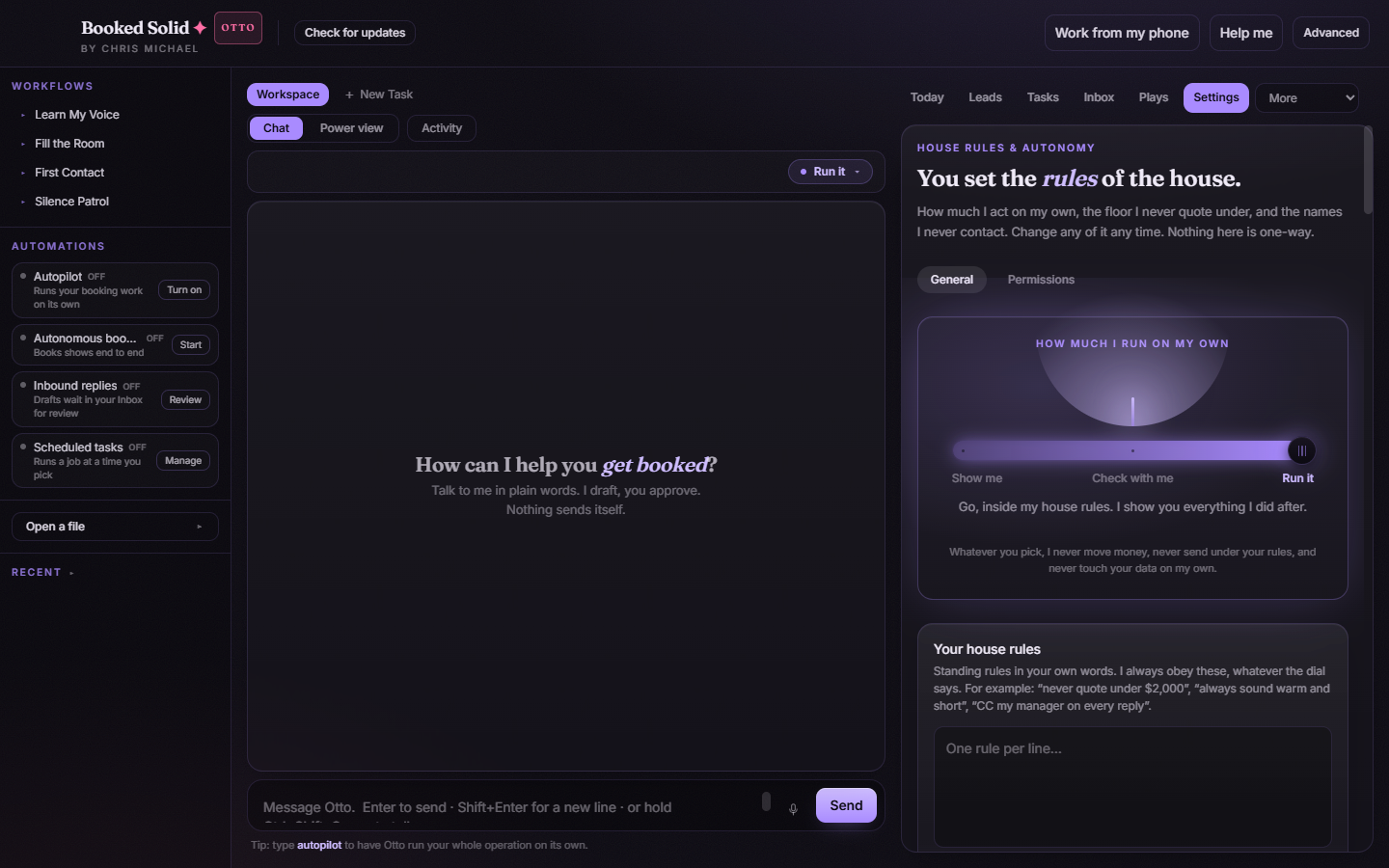
Where the floor rate lives
- Open Settings and stay on the General tab.
- Find the card called Rules I enforce for you.
- Under Your floor rate, pick your currency and type the amount.
- Leave the field blank if you do not want a floor at all - blank means no floor.
Type the number however you like: 2.000, 2,000 and 2000 all mean two thousand. A European-style "2.000" is never read as two. If a number could be read two ways, the app rounds toward the larger value, because a higher floor blocks more and keeps you safe.
Enforced, not advisory
The floor works on two layers at once:
- Otto is told in every task: never quote or accept a fee below your floor. So drafts should already respect it.
- Every priced action is also checked against the floor at the moment you press Approve. If the fee is below your floor, Approve is blocked with a reason like "Below your USD floor" (it names your own currency). This check is deterministic - it does not depend on Otto remembering the rule.
The check fails closed. That means anything the app cannot verify also blocks Approve instead of slipping through:
- A priced action with no clear fee shows "Couldn't confirm the fee is at or above your floor" (again with your currency named).
- A quote in a different currency than your floor shows "Couldn't check this against your floor: it's in a different currency." No exchange-rate conversion is done - if you quote in EUR, set your floor in EUR.
- An item that was parked without spelled-out details cannot be checked, so it blocks too. Edit it so the fee and details are explicit, then approve.
What Otto does when a lead's budget is too low
Otto's instructions say to never quote or accept a fee below your floor, so it will not draft a quote under that number just because a lead asked for one. And if a low number does end up in a drafted quote for any reason, the Approve button greys out rather than letting it send. You stay in control either way: you can raise the quote, negotiate, or change your floor in Settings if this gig is worth an exception.
Good to know
- The floor only bites on actions that carry a price, like quotes. Confirming an already-agreed date is not blocked unless it restates a fee.
- Changing or clearing the floor takes effect right away - nothing here is one-way.
Still stuck? Email bookedsolid@kivimedia.freshdesk.com and a person will help.